
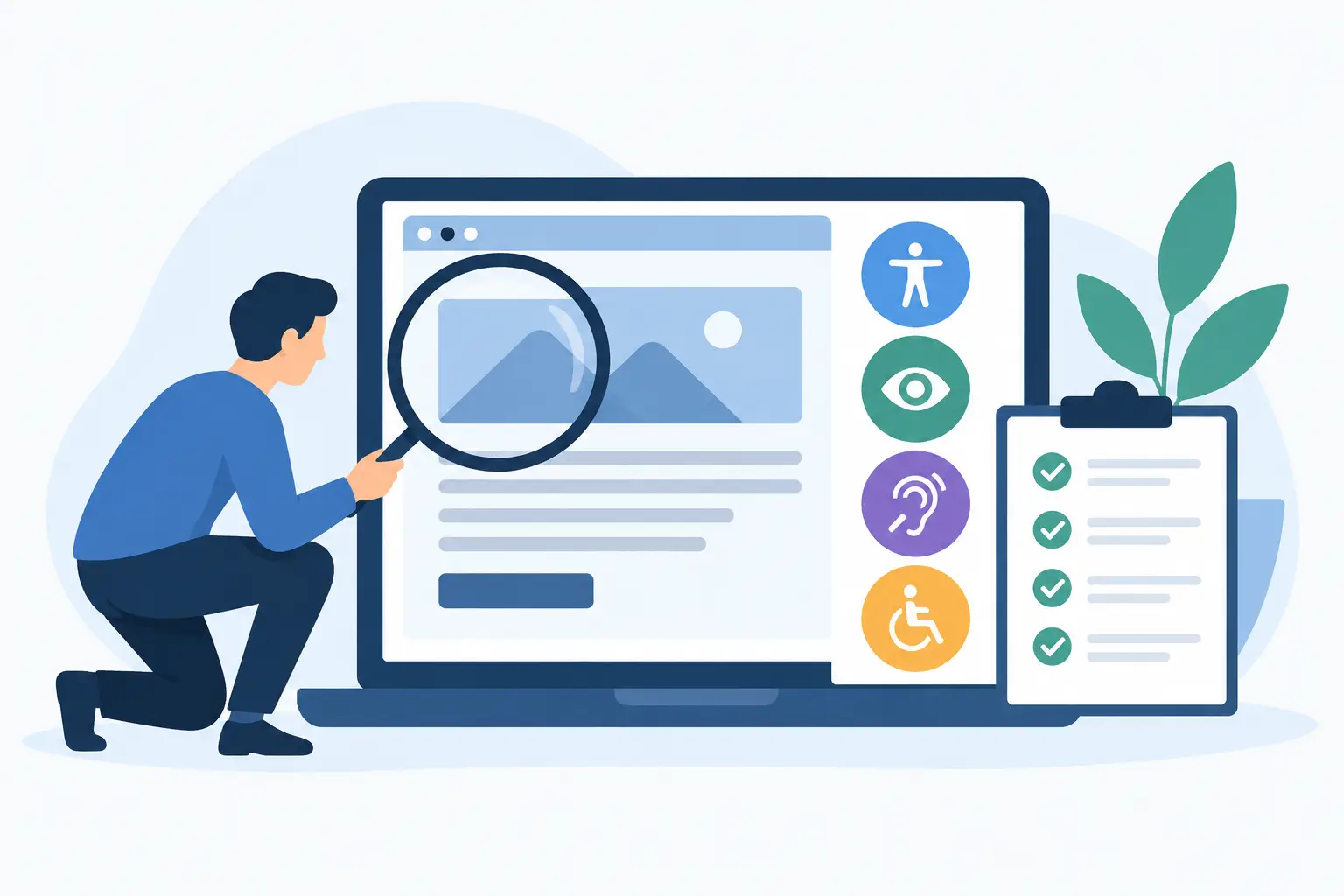
A customer trying to book an appointment with a keyboard, a shopper unable to read product details with a screen reader, or a visitor who cannot see low-contrast text may all leave before they contact you. A website accessibility audit service finds these barriers in the real journeys people take through your site, then turns the findings into a practical plan for improvement.
For UK businesses, accessibility is not simply a design preference or a box to tick after launch. It affects who can use your services, how confidently your organisation is perceived, and where avoidable risk may sit in an ageing website. The right audit gives you evidence to discuss priorities, costs and ownership clearly with a specialist.
What an accessibility audit actually covers
A useful audit looks beyond whether a page appears tidy on a desktop screen. It assesses how people with different access needs can understand, navigate and complete key tasks on the site. Those needs may relate to vision, hearing, mobility, speech, cognition, concentration or a temporary injury.
Most professional audits use the Web Content Accessibility Guidelines, commonly known as WCAG, as a working standard. WCAG is organised around four principles: content should be perceivable, operable, understandable and robust. In practical terms, that means a visitor should be able to find information, use controls, follow what is happening and access the site with different technologies.
The scope should reflect your website rather than rely on a generic checklist. A brochure website may need close attention on menus, contact forms, PDFs and embedded maps. An e-commerce site also needs product filters, basket controls, checkout, account areas and payment hand-offs tested. A booking system needs date pickers, availability messages and confirmation steps reviewed.
An auditor will usually combine automated scanning with manual testing. Automated tools are helpful for spotting repeated issues such as missing image descriptions, incorrect heading structures or weak colour contrast. They cannot reliably judge whether a link label makes sense, whether form errors are understandable, or whether keyboard navigation follows a logical order. Manual testing is where the more consequential problems often appear.
What a website accessibility audit service should test
The most valuable testing focuses on the actions that matter to your customers and your business. It should not produce a long technical report while overlooking the enquiry form that generates your leads.
Navigation and keyboard use
Many people browse without a mouse. Every menu, button, modal window, filter and form field should be reachable and usable with a keyboard alone. The visible focus indicator must show where the user is on the page, and keyboard focus should not become trapped inside a pop-up or jump unexpectedly elsewhere.
This area is particularly relevant for sites built from page-builder components, third-party plugins and copied templates. A component can look correct but still have inaccessible controls underneath.
Content, layout and visual clarity
Headings should describe the page structure in a meaningful order. Images that convey information need suitable text alternatives, while decorative images should not create unnecessary noise for screen-reader users. Colour should not be the only way to communicate an error, status or required action.
The audit should also examine text contrast, zoom behaviour, responsive layouts and content that moves or updates automatically. A banner that rotates every few seconds, for example, may be distracting or impossible to pause. Small issues across many templates can affect a large proportion of the site.
Forms, transactions and messages
Forms are where accessibility and commercial performance frequently meet. Labels must remain available when someone begins typing, required fields should be identified clearly, and errors need to explain what is wrong and how to correct it. A message saying “invalid input” is not enough; “Enter your postcode in the format SW1A 1AA” is more useful.
For online shops and booking journeys, the review should cover the full path rather than only the first page. Can a customer change quantities? Is the payment error announced properly? Does a screen reader receive confirmation that the booking has been completed? These details can determine whether a visitor converts or gives up.
Documents, video and third-party tools
Accessibility responsibilities do not stop at web pages. Downloadable PDFs, embedded videos, cookie banners, chat widgets, maps and appointment tools can all create barriers. Some third-party products have limitations that cannot be fixed directly by your web developer. An audit should identify these dependencies and separate realistic workarounds from issues that require a supplier change.
That distinction matters when planning a budget. Replacing a booking platform is a different project from correcting form labels in your existing website.
Why automated checks alone are not enough
Free scanners can be a sensible starting point. They can quickly highlight obvious technical errors and help you see whether a problem is widespread. They are not, however, a complete accessibility assessment.
A scanner may confirm that an image has alternative text without knowing whether that text says anything useful. It can detect a form field but cannot always establish whether the question is clear, the instructions are visible at high zoom, or the error recovery process works for a real user. It may also miss problems introduced by keyboard interaction, dynamic content and custom-built interfaces.
There is a trade-off. A broad automated scan is fast and relatively low cost, while detailed manual testing provides stronger evidence but takes more specialist time. For a small site with a limited budget, a focused review of high-value pages may be the sensible first step. For a public-facing service, complex e-commerce platform or organisation with a large content estate, a fuller audit is usually more appropriate.
Choosing the right scope before requesting quotes
Before you commission an audit, define the outcomes you need. You do not have to know the technical language, but a clear brief helps professionals recommend the right level of work and price it fairly.
Share the website address, the platform if you know it, and the journeys that matter most. These might include requesting a quote, buying a product, making a booking, registering for an event or accessing customer information. Explain whether the site has recently been redesigned, whether complaints have been received, and whether there are key third-party tools or documents to include.
It is also helpful to state what you want after the audit. Some businesses need a prioritised report for an internal team. Others want the same provider to fix the issues, retest them and support an accessibility statement. Neither approach is automatically better. Keeping the audit and remediation separate can offer independent scrutiny; using one specialist may reduce handover time and make accountability simpler.
Ask prospective providers how they sample pages, which standard and conformance level they assess against, whether manual keyboard and screen-reader testing is included, and how findings are prioritised. A professional answer should explain the method in plain language, not hide behind acronyms.
What a useful audit report looks like
An audit report should help you make decisions, not merely prove that testing happened. Look for each issue to include the affected page or component, a clear explanation of the barrier, the relevant criterion where applicable, the severity or user impact, and a recommended fix.
Prioritisation is essential. A missing decorative-image label is rarely as urgent as a checkout button that cannot be reached by keyboard. Good reports distinguish blockers from improvements, identify repeatable template-level fixes, and flag items that need design, content or supplier decisions rather than a quick code amendment.
The report should also acknowledge what has not been tested. No audit can test every possible user journey, browser, assistive technology and future content change. Transparency about scope makes the findings more credible and helps prevent false confidence.
Accessibility is ongoing website care
A one-off audit creates a baseline, but websites change. New products, campaign landing pages, plugin updates, content uploads and redesigned components can introduce fresh barriers. The most practical long-term approach is to build accessibility checks into publishing, design approval and development testing.
This does not require every member of staff to become an accessibility specialist. Content editors can learn to use headings and meaningful link text. Designers can check contrast and focus states. Developers can test keyboard behaviour before release. Periodic specialist reviews can then concentrate on more complex risks and independent verification.
If you are uncertain where to start, prepare a short project brief and request comparable proposals from accessibility professionals. Web Design Quotes can help you begin that conversation with specialists suited to your scope, budget and website platform. The useful next step is not to chase a perfect score, but to remove the barriers that stop real people from using your business.
Need a new website, a redesign or someone to keep your site running?
Tell us about your project in two minutes and get quotes from professional UK web designers and developers. It's free and there's no obligation. 👉
Visit Web Design Quotes →